

A new Google review just landed on your business. Maybe it made your morning, maybe it ruined it. Either way, the hard part is the same: what do you actually write back? Many owners freeze, fire off a defensive reply they later regret, or let reviews pile up unanswered for months. None of those helps, because anyone who views your profile can read your responses, not just the person who left the review.
Turn your reviews into booked jobs. Review responses, review requests, and your whole Google presence, handled while you run the business.
Quick answer: how to respond to a Google review. Open your Google Business Profile, find the review under the Reviews tab, and click Reply. Thank the reviewer by name, mention the specific service you provided, and keep it to two or three sentences. For a negative review, acknowledge the problem, apologize once for the experience, and offer to make it right offline. Write every response for future customers, because they will read it long after the reviewer does.
Why respond to every Google review?
Reviews are part of how customers size you up before calling. Your replies are the only part of that page you control. The review tells people what one customer experienced. The response tells them who they would be dealing with.
Google itself encourages this. Its local ranking guidelines note that responding to reviews shows that you value your customers and their feedback, and reviews are part of how Google decides which businesses to show for nearby searches. Responding will not rescue a weak profile on its own, so make sure the basics in your Google Business Profile are complete first. It is one piece of your local SEO (local search engine optimization, the work of showing up when nearby customers search Google), alongside the rest of your local visibility work.
There is also a simpler reason. A profile full of thoughtful responses signals an owner who shows up. A profile with a three-year-old complaint sitting unanswered can signal the opposite, even if the work itself was excellent.
How do you respond to a positive Google review?
Positive reviews are easy to ignore because nothing is on fire. Answer them anyway. A short, specific reply rewards the customer who took the time and shows prospects that praise gets noticed. Use this four-part formula:
- Thank the reviewer by name.
- Repeat one specific detail from their review, so the reply could not have been written for anyone else.
- Mention the service or your service area only where it fits naturally. A reply stuffed with keywords can read as fake.
- Invite them back, or point to the next season or service.
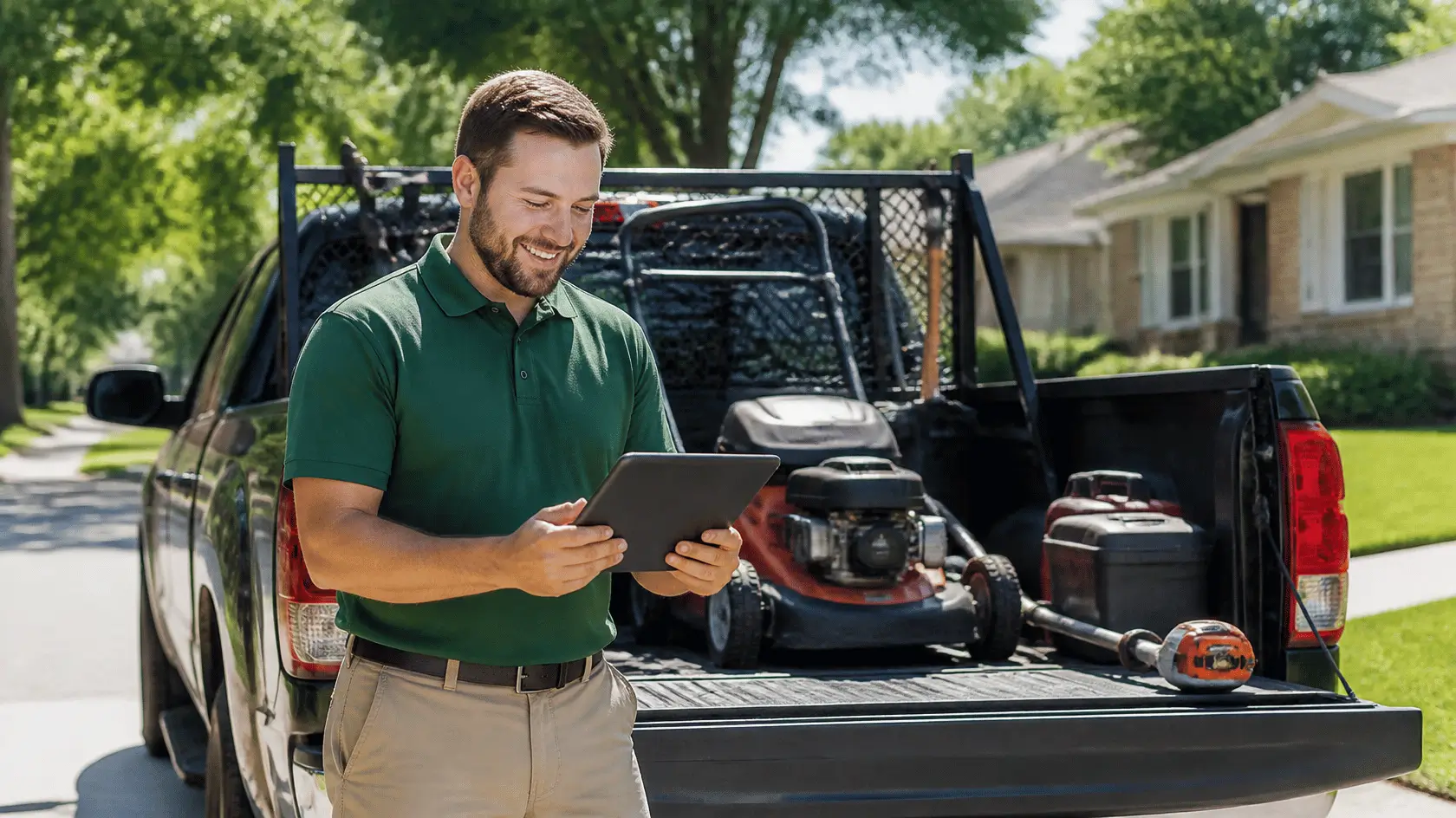
Example, pool service: “Thanks, Maria! Green-to-clean jobs are our favorite turnarounds, and yours was a dramatic one. Enjoy the pool, and we will see you for the summer filter check.”
Example, lawn care: “Thank you, Dave. Glad the new mowing schedule is working for the backyard shade areas. Reach out anytime if you want us to look at the irrigation before the dry season.”
How do you respond to a negative Google review?
One angry review will not sink your business. A defensive public argument might. Work through these steps:
- Wait until you are calm. Hours, not weeks.
- Respond once, publicly, and keep it short. Long rebuttals can read as defensive, whoever is right.
- Acknowledge the experience and apologize for it. “I am sorry this visit did not go the way it should have” is not an admission of fault. It is basic professionalism.
- If the review states something factually wrong, correct it politely in one sentence, without heat.
- Move it offline. Give a name and a direct phone number or email, and ask for the chance to make it right.
- Never post the customer’s personal details, address, job specifics, or anything else private, even if they went personal first.
- Follow up. A customer whose problem actually got fixed will sometimes update or remove the review on their own. Never offer payment or discounts in exchange for changing it.

Example, pest control: “Hi Robert, I am sorry the ants came back after our first treatment. That is frustrating, and it is not the result we aim for. Some infestations do take a follow-up visit, and yours should have been scheduled faster. Please call me directly at [number], ask for [name], and I will get a tech out this week at no charge.”
Future readers are not looking for a perfect record. They are looking for an owner who handles problems like a professional.
Google review response examples you can adapt
Swap in your details and keep the specifics. A template that still sounds like a template defeats the point.
- Five stars with detail: “Thank you, [name]! [Specific detail they mentioned] is exactly what we want every customer to experience. See you next [season/service].”
- Five stars, rating only, no text: “Thanks for the five stars, [name]! We appreciate you trusting us with your [service].”
- Three stars, mixed: “Thanks for the honest feedback, [name]. Glad the [positive part] worked well. You are right that [issue] should have gone smoother, and we have changed [what changed]. I would love the chance to earn the other two stars.”
- One star, legitimate complaint: “[Name], I am sorry we missed the mark on [issue]. That is on us. Please call [name] at [number] so we can make it right.”
- One star, unfair or mistaken: “Hi [name], I am sorry you are frustrated. I want to clarify one thing for anyone reading: [one-sentence factual correction]. I am still glad to talk it through directly at [number].”
How do you handle fake Google reviews?
Sometimes a review comes from someone you never served: a competitor, a mix-up with a similarly named company, or a bot. Respond first, calmly, for the benefit of readers: “Hi [name], we have no record of serving you, and I would like to look into this. Please contact us at [email] so we can sort it out.”
Then report it. Open the review on your profile, use the three-dot menu, and choose Report review. Google evaluates reports against its review content policies, which prohibit fake engagement, impersonation, and off-topic content. Removal is never guaranteed, so the steadiest defense is a regular flow of real reviews from real customers. If that flow has dried up, start with how you ask for Google reviews.
The rules have teeth. The FTC’s 2024 rule on consumer reviews bans fake reviews and buying reviews, and in 2025 CBS News reported that Google sued a network that sold fake listings and fraudulent positive reviews to bury real ones.

How fast should you respond to Google reviews?
Speed matters most when the review is negative. A good target is to answer negative reviews within one to two business days, while the customer is still reachable and before the review ages into looking ignored. Positive reviews can wait a few days, but not a month.
The practical fix is a routine, not heroics: turn on email notifications in your Google Business Profile, then block fifteen minutes on the same day each week to clear every new review. An owner, a manager, or one trusted employee should own it, so replies keep one consistent voice.
Related guides cover automating your review requests and ranking higher on Google Maps. Automated review requests, with responses handled, are part of our Local Visibility service.
Frequently asked questions about how to respond to Google reviews
Can I delete a bad Google review?
No. Only the reviewer can delete their review, or Google can remove it if it violates policy. You can respond, and you can report it, but there is no delete button for owners. Businesses that promise guaranteed removal are selling something they cannot deliver.
Should I go back and respond to old reviews?
Yes, newest first. Work backwards until the recent page of your profile shows a response on everything. Replying to a two-year-old review is less valuable than replying to last week’s, but an unanswered recent complaint is the one new customers are most likely to see.
Do review responses help local SEO?
Responding is part of a healthy, active profile, and Google’s own guidance encourages it as a way to show you value customers. Treat responses as one signal inside your wider local SEO work, not a ranking trick on their own.
Should I use AI or templates to write responses?
Templates are a fine starting point, including the ones above. The mistake is posting them unedited. If ten replies in a row read identically, customers can notice, and the responses stop building trust. Personalize at least one detail every time.
Final thoughts on how to respond to Google reviews
Every response you write is a small, free ad on a page every prospective customer can see. Answer the praise with specifics, answer the complaints with calm, report the fakes, and keep the routine weekly. If you would rather have this handled for you, book a call with one of our hive specialists today to discuss how to turn your reviews into booked jobs.