

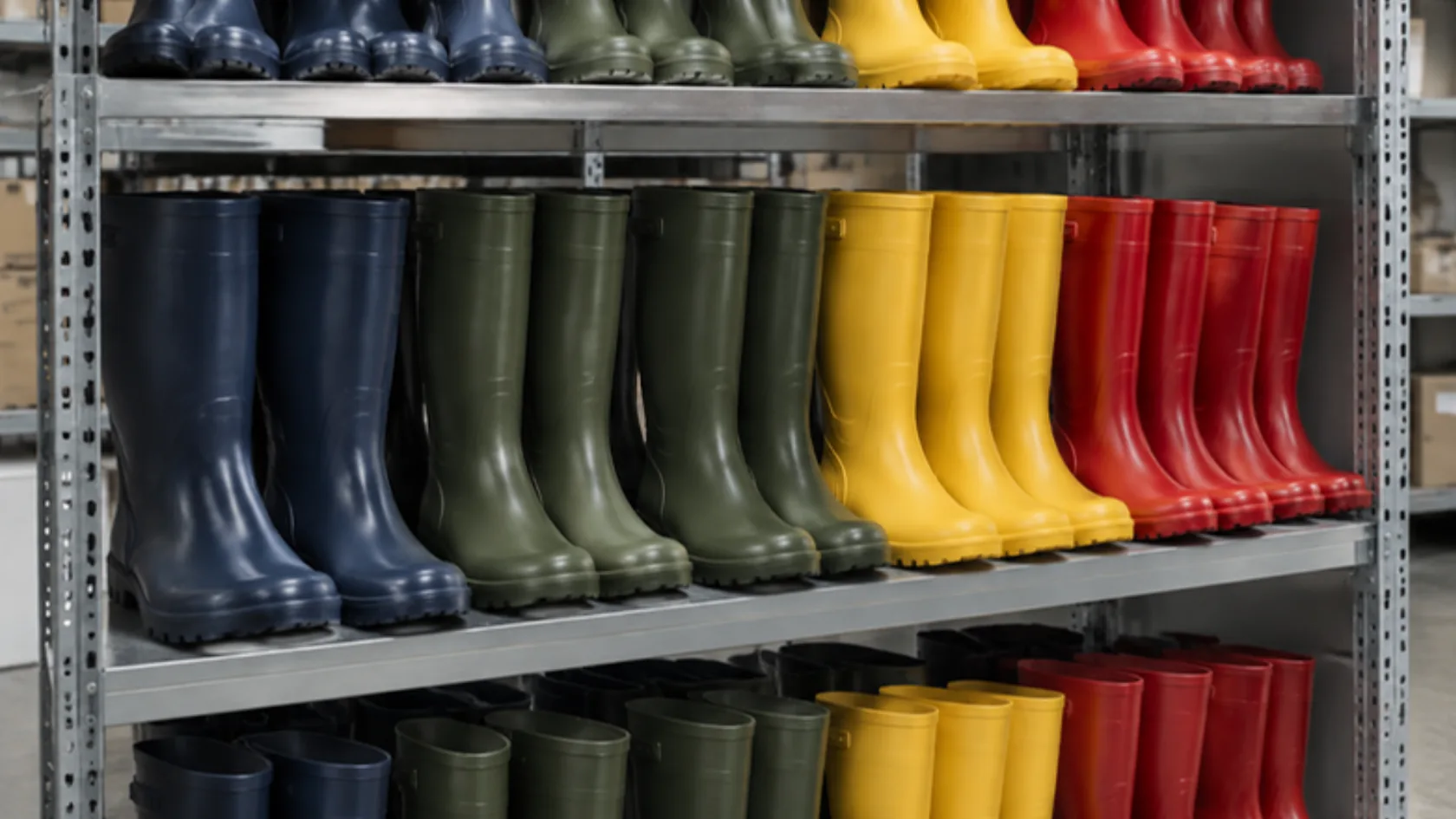
Your store lets shoppers filter rain boots by color, size, price, and brand. Shoppers love it. Behind the scenes, every combination of those filters can create its own URL, and a catalog with a few hundred products can quietly produce thousands of pages that look almost identical.
A few of those pages match real searches and deserve a place in Google. Most do not. Here is how to tell them apart, using Google’s own documentation.
Find out what your filters are creating
Book a call and we will review how your store’s filters generate URLs and which ones are worth turning into real landing pages.
Let the Buzz BeginQuick answer: which filter pages should search engines see? Most filter combinations do not need a place in search, but a few do. Pick the filter pages that match real searches and turn them into proper landing pages; for the rest, Google recommends preventing crawling with robots.txt if you do not need them indexed. Keep the tools separate in your head: robots.txt controls crawling, noindex controls indexing, and a canonical tag signals which version you prefer.
Why do filters create so many URLs?
Google’s faceted navigation guide explains the problem: filters are usually built with URL parameters, and each combination of parameters is a different URL. That can create a nearly endless set of URLs, which Google says leads to overcrawling and slower discovery of new, useful pages.
Google’s own data shows how common this is. In Google’s 2025 year-end crawling report, faceted navigation caused about 50 percent of crawl issues and action parameters about 25 percent, Search Engine Journal reports. Shopify’s own developer documentation shows why this happens: when a shopper applies a filter, it is added to the collection URL as a parameter, so each combination becomes its own address.
The size of the problem grows with the number of filters and products. A small catalog with three filters has far less at stake than a large store with dozens of filter types, so match the effort to your store.
Which filter pages deserve to be indexed?
A filter page earns a place in search when it meets all of these:
- People search for it. Check the queries in Google Search Console: if shoppers search for “black rain boots” or “wide calf rain boots,” those combinations may deserve a page.
- It has enough products to be useful, and keeps them in stock.
- It is stable. The page will still exist next month.
- It can carry unique content: a short introduction and helpful guidance, the way a category page does.
When a filter combination passes, make it a real landing page with a clean, permanent URL, a unique title, and a link from your navigation or category page. Our guide to commercial category pages covers what those pages should say.
What is the difference between crawling and indexing?
Crawling is Google visiting a URL. Indexing is Google storing the page so it can appear in results. The tools work on different steps:
- robots.txt tells crawlers not to request certain URLs. Google’s robots.txt introduction says it is not a mechanism for keeping a page out of Google.
- noindex tells Google not to show a page in results. Google must be able to crawl the page to see it, so a page blocked in robots.txt cannot pass along a noindex instruction.
- rel=”canonical” tells Google which version of similar pages you prefer.
Choosing the wrong tool is the most common mistake: blocking a page in robots.txt and expecting its noindex tag to work, for example.
Which control fits which filter?
Filter decision matrix (fictional example: a footwear store)
| Filter or URL type | Decision | Method, per Google’s guide |
|---|---|---|
| Color filter with real searches (“black rain boots”) | Index as a landing page | Clean URL, unique title and intro, linked from the category page |
| Sort order (price low to high, newest) | Do not need in search | Disallow the parameter in robots.txt |
| Price range sliders | Do not need in search | Disallow in robots.txt |
| Multi-select combinations (three colors plus two sizes) | Do not need in search | Disallow in robots.txt |
| Filter combination with no products | Not a real page | Return a 404 status code |
| Filters handled with URL fragments (#) | No crawl impact | Google says fragments have no impact on crawling |
Google’s guide adds a few rules for filter URLs you do want crawled: use the standard “&” separator between parameters, keep filters in a consistent order, and do not allow duplicate filters. It also notes that canonical tags and rel=”nofollow” are generally less effective in the long term than robots.txt or fragments, and that nofollow only helps if every link to the URL carries it.

What should your developer check before launch?
- Every indexable filter page has a unique title, introduction, and canonical pointing to itself.
- Non-indexable filter parameters are disallowed in robots.txt, and those pages do not rely on noindex.
- Empty filter combinations return a 404, not a redirect to a generic page.
- Filter parameters always appear in the same order.
- Internal links and the sitemap point only to the pages you want indexed.
If a recent traffic drop sent you here, our guide to ecommerce organic revenue recovery covers the wider diagnosis. Related guides cover out-of-stock product pages and planning your internal links. Our SEO Optimization service includes technical fixes and indexing management.
Frequently asked questions about faceted navigation SEO
Should I noindex all my filter pages?
Not as a blanket rule. Google’s guide recommends robots.txt for filter URLs you do not need indexed, and real landing pages for the ones that match searches.
Can I block filters in robots.txt and use noindex too?
Not on the same URL. If robots.txt blocks a page, Google cannot see its noindex tag.
Does a small store need to worry about this?
Less than a large one. Check how many filter URLs your store creates before investing in a fix.
Final thoughts on faceted navigation SEO
Filters are for shoppers; landing pages are for search. Promote the few filter combinations people actually search for, keep the rest out of the crawl, and use each tool for the job it does. If you want help sorting your store’s filters, book a call with one of our hive specialists today.