

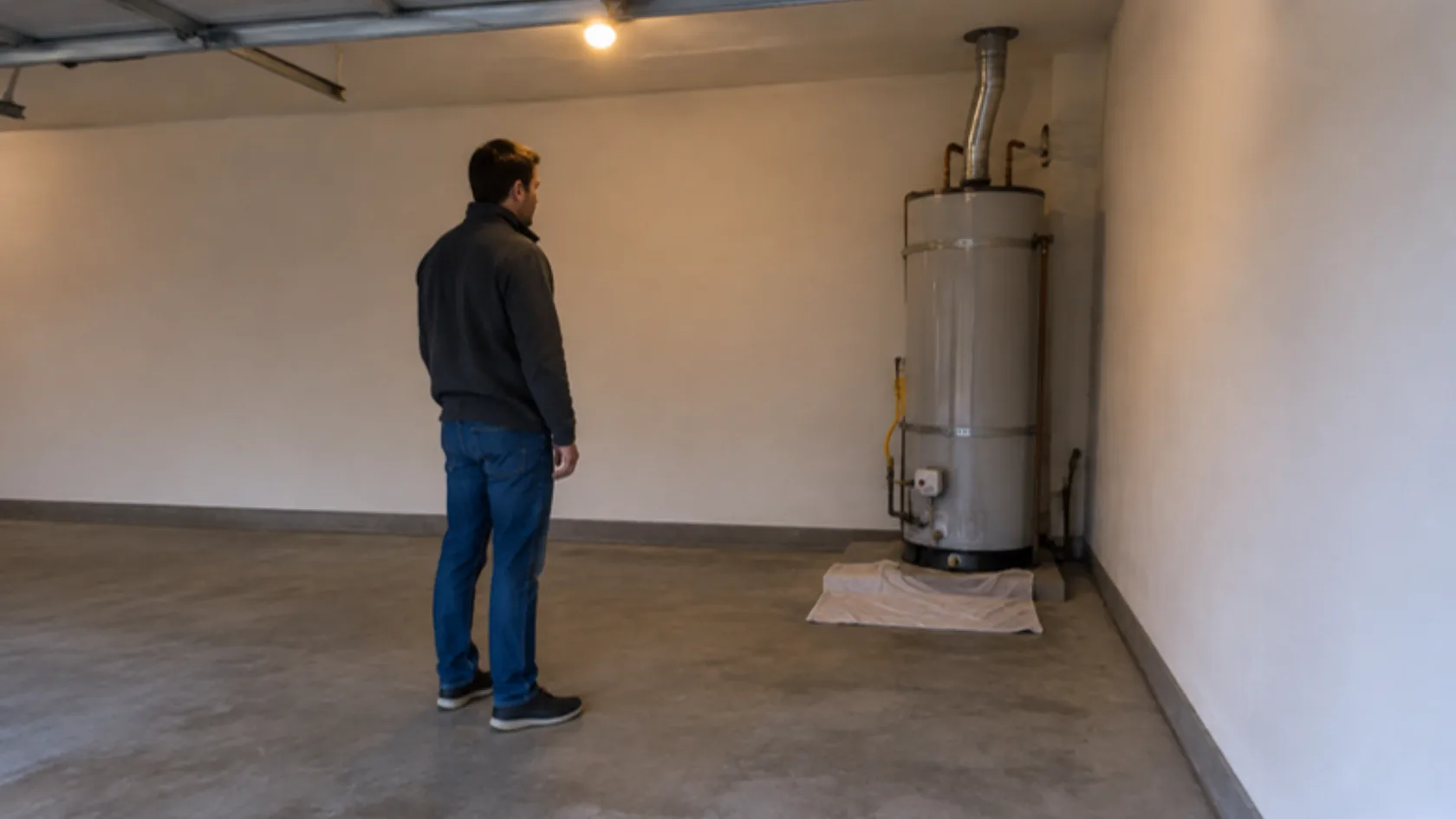
The office closes at five. At 7:40, someone fills out your contact form about a leaking water heater. At 9:15, a missed call. At 10:30, a chat asking whether you service their area. By the time your team arrives in the morning, some of those people have already booked someone else.
Here is a workflow that handles after-hours inquiries without anyone staying up all night.
Stop losing leads after closing time
Book a call and we will map your after-hours workflow, from first inquiry to booked appointment.
Let the Buzz BeginQuick answer: how should you follow up on after-hours leads? Acknowledge every inquiry quickly with an automated reply that says when a person will respond. Ask one or two questions to tell urgent requests from routine ones. Let routine requests book directly on your calendar, send urgent ones to whoever is on call, and make sure every lead lands in your CRM for the morning. Only text people who gave you permission, and stop automated messages the moment a person takes over.
What triggers the workflow?
Different inquiries arrive in different ways, and each needs a starting point:
- Web form submission: an automatic email or text, if they gave permission.
- Missed call: a text-back to the caller’s number, if you can text that number and your texting setup is registered.
- Website chat or social message: an automated reply in the same channel.
Each should create or update a contact in your CRM with the source, time, and what they asked.
What should the first message say?
Keep it short, honest, and useful:
- Thank them and confirm you received the request.
- Say when a person will follow up: “first thing tomorrow morning” is honest; “within minutes” is a promise you need to be able to keep.
- Offer the fastest next step: a booking link for routine work.
- If something could be dangerous, tell them what to do now: “If you smell gas or there is a risk to safety, leave the area and call 911 or your gas company.”
For text messages, the wireless industry’s CTIA Messaging Principles and Best Practices describe how consent expectations differ by message type. A reply to someone who just contacted you is different from a marketing message. Ask your attorney or messaging provider what your workflow needs, and include opt-out instructions.
How do you separate urgent from routine?
Ask one or two questions in the first reply or the booking form:
After-hours workflow with routine and urgent branches
| Step | Routine branch | Urgent branch |
|---|---|---|
| 1. Inquiry arrives | Form, call, or chat logged in CRM | Form, call, or chat logged in CRM |
| 2. Automated acknowledgment | Thanks, when to expect a person, booking link | Thanks, safety instructions where relevant, “we are alerting our on-call team” only if you have one |
| 3. Qualification | Service needed, address or area, preferred time | What is happening right now, address, callback number |
| 4. Next step | Self-booking on your calendar | Alert to the on-call person by app notification or text |
| 5. Handoff | Morning team confirms the appointment | On-call person calls back; automation pauses |
| 6. Exit | Booked, declined, or no reply after the last reminder | Handled by a person; workflow ends |
Only use the urgent branch if someone is actually on call. If no one is, say so honestly, give safety instructions, and promise a call at opening time.
When should the automation hand off to a person?
Hand off immediately when:
- The customer asks for a person.
- The request involves safety, an emergency, or an upset customer.
- The question falls outside what the automation knows.
Once a person takes over, stop the automated messages so the customer is not talking to two systems at once.

What exit rules and checks keep it working?
- Stop when they book, reply, or opt out.
- Limit reminders to one or two follow-ups for routine inquiries.
- Review every morning: each overnight lead should be booked, assigned, or contacted.
- Test monthly: submit a form, call after hours, and send a chat to confirm each path still works.
Why response speed matters is covered in our guide to speed to lead, and the cost of missed calls is in our missed-call math guide. Related guides cover AI receptionists versus answering services and appointment confirmation and reminder texts. Our Buzz Leads package includes AI call answering, missed-call text-back, website chat, and online booking connected to your calendar.

Frequently asked questions about after-hours lead follow-up
What happens after closing?
Every inquiry gets an automated acknowledgment, routine requests can book themselves, and urgent ones go to whoever is on call, if anyone is.
Which inquiries are urgent?
Anything involving safety, active damage, or a customer who cannot wait. Define the list for your trade in advance.
When should automation hand off?
When the customer asks for a person, when safety is involved, or when the question is outside what the automation knows.
Final thoughts on after-hours lead follow-up
After-hours leads need three things: a quick acknowledgment, a clear path to booking, and an honest handoff to a person when it matters. Build the workflow once, check it every morning, and test it monthly. To map yours, book a call with one of our hive specialists today.