
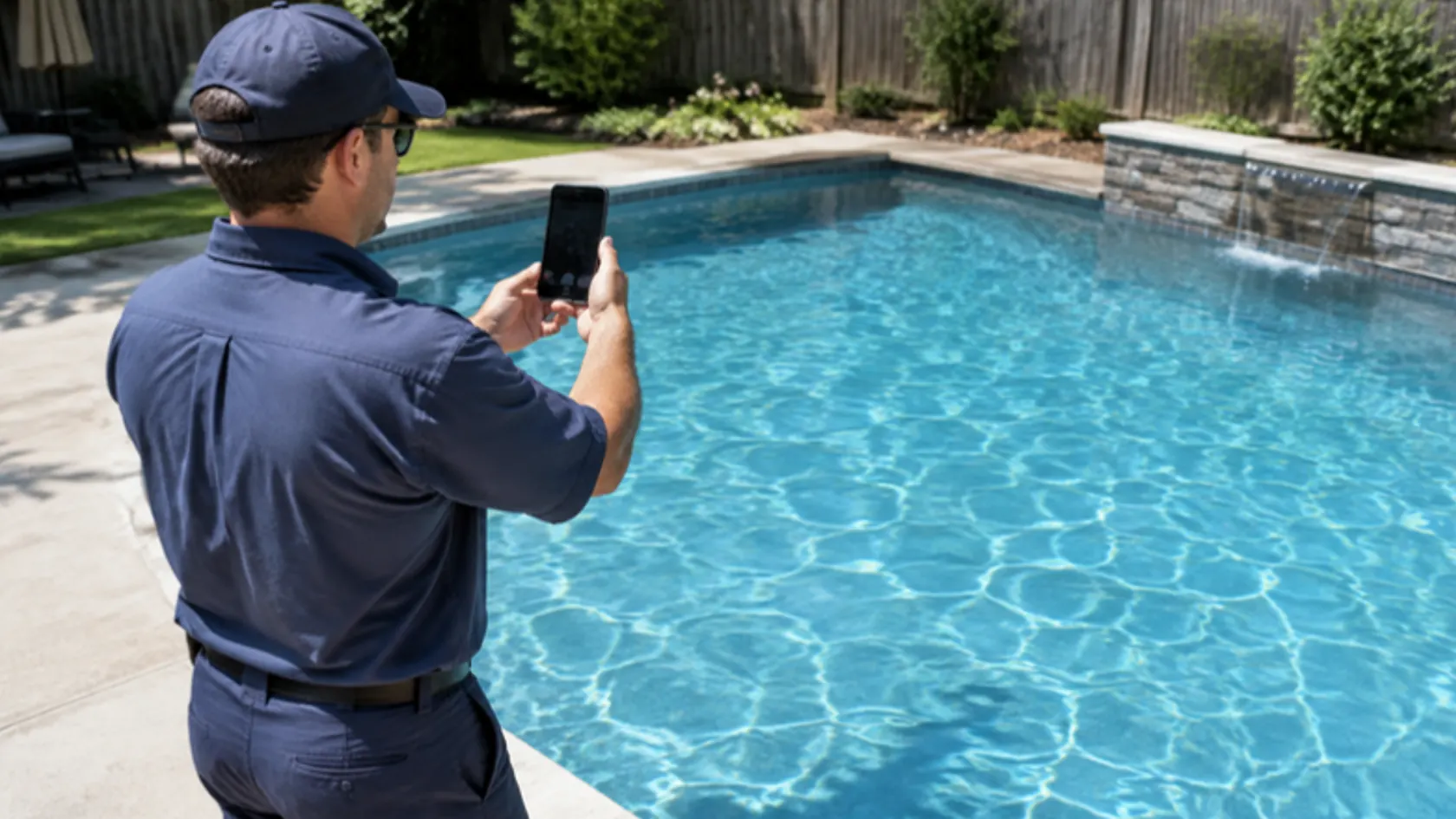
You finished a job you are proud of: the green pool that is now clear, the cracked driveway that is now smooth, the attic that is finally insulated. The customer is thrilled. Then the photos sit in someone’s phone and never get used.
Here is a simple workflow for turning finished jobs into honest before-and-after posts.
Turn your finished jobs into proof
Book a call and we will set up a simple way to capture job photos and turn them into posts.
Let the Buzz BeginQuick answer: how do you make before-and-after social posts from real jobs? Capture photos from the same angle before and after, note the problem and the work done, and get the customer’s permission before posting anything that identifies them or their home. Present the result accurately: no editing that changes what the work achieved, and no implying every job turns out like your best one. Then write a short caption that explains the problem, the fix, and how to book.
What should you capture at the job?
Job-completion capture form (fill out before leaving the site)
| Field | What to record |
|---|---|
| Job type | The service performed |
| The problem | What the customer called about, in plain words |
| Before photos | Taken on arrival, wide and close-up |
| After photos | Same angles, same distance, similar light |
| What was done | Two or three sentences on the work |
| Time and conditions | How long it took; anything unusual about this job |
| Customer permission | Yes or no; what they agreed to (photos, first name, town, review quote) |
| Details to leave out | House numbers, license plates, faces, anything private |
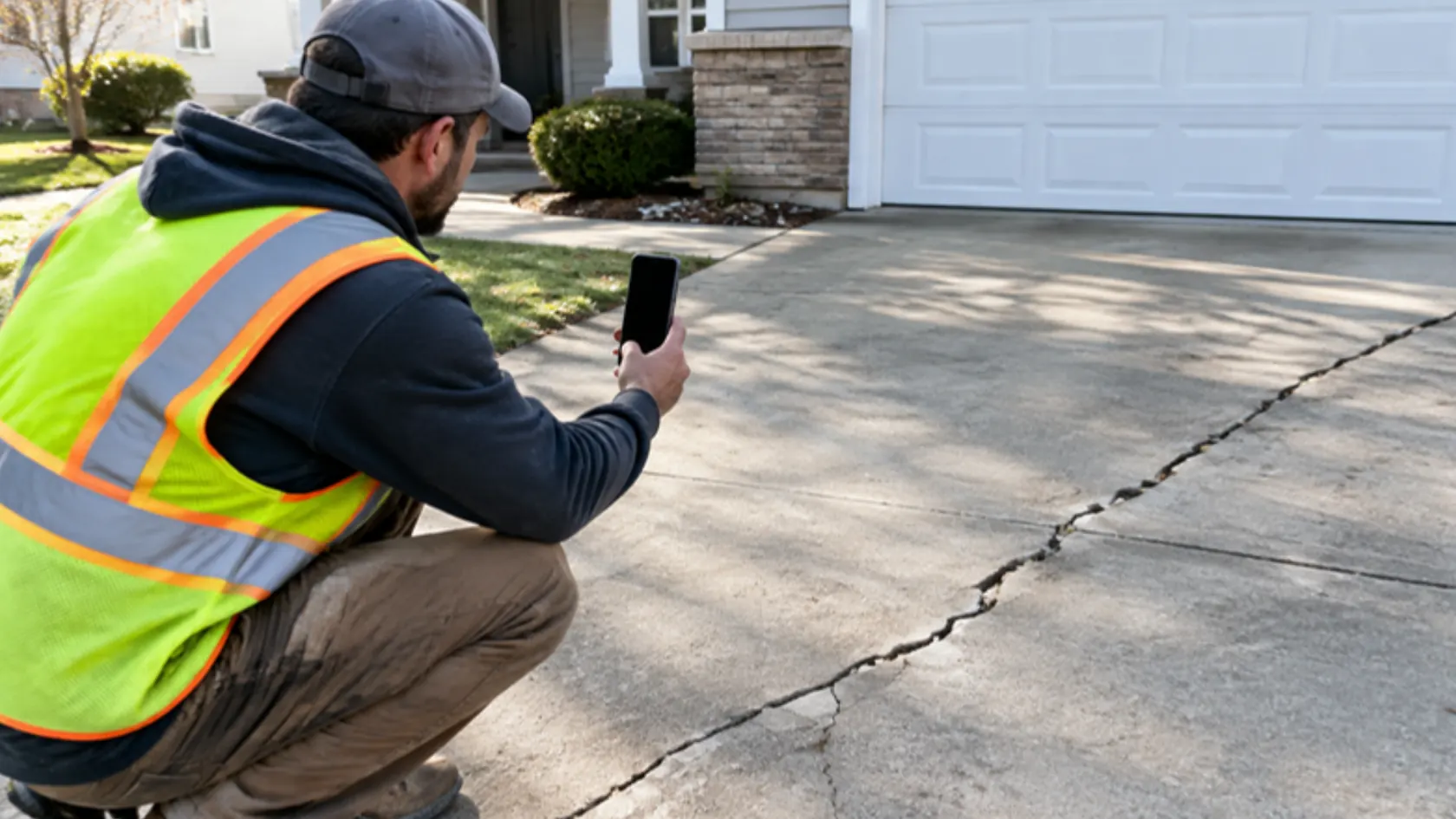
Matching angles is the single most useful habit: a before and after shot from different spots makes the comparison hard to read.
What permissions do you need?
Ask the customer before you post photos of their property, and record what they agreed to. Some will be happy to be named; others will want no identifying details at all. Even with permission, crop out house numbers, street signs, license plates, and people who did not agree to appear.
If you use a customer’s words, quote them accurately and only with their permission. The federal rule on consumer reviews and testimonials prohibits fake or misrepresented testimonials.
How do you show results honestly?
- No deceptive editing. Lighting and cropping adjustments are fine; changing what the work looks like is not.
- Same subject, same angle. Do not pair a before from one job with an after from another.
- Say when a job was unusual. The FTC’s Endorsement Guides say that when a featured result is not what customers can generally expect, the ad should clearly disclose what they generally can expect; a “results not typical” line alone is not enough.
What should the caption say?
Keep it short and specific:
- The problem: “This pool had gone green after two weeks without service.”
- The fix: “We balanced the chemistry, cleaned the filter, and brushed it down over two visits.”
- The result: what the photos show, in plain words.
- The next step: how to book, or a link to your booking page.
Annotated carousel (fictional example, three slides)
| Slide | Content | Note |
|---|---|---|
| 1 | Before photo, wide angle | Caption overlay: “Day 1” |
| 2 | After photo, same angle | Caption overlay: “Two visits later” |
| 3 | Short text slide: what was done and how to book | No invented numbers or claims |

How should you share it?
Post the case study where your customers are, add it to your Google Business Profile updates if it fits, and save the best ones for your website’s project page. Track clicks with tagged links to your booking page so you can see which posts bring inquiries.
The broader approach to social content is in our guide to social media for service businesses. Related guides cover turning one post into 4 weeks of social content and building a newsworthy PR pitch. Our Social Media service turns your photos and projects into ready-to-run content.

Frequently asked questions about before-and-after social media posts
What details should I collect?
The problem, what you did, matching before and after photos, and what the customer agreed to share.
What permissions are needed?
The customer’s agreement to post photos of their property, and separate agreement for their name, town, or words.
How do I avoid misleading results?
Use real photos of the same job from the same angle, avoid edits that change the result, and say when a job was unusual.
Final thoughts on before-and-after social media posts
Your finished work is your best proof. Capture it the same way every time, get permission, show it honestly, and point people to the next step. To set up your workflow, book a call with one of our hive specialists today.