

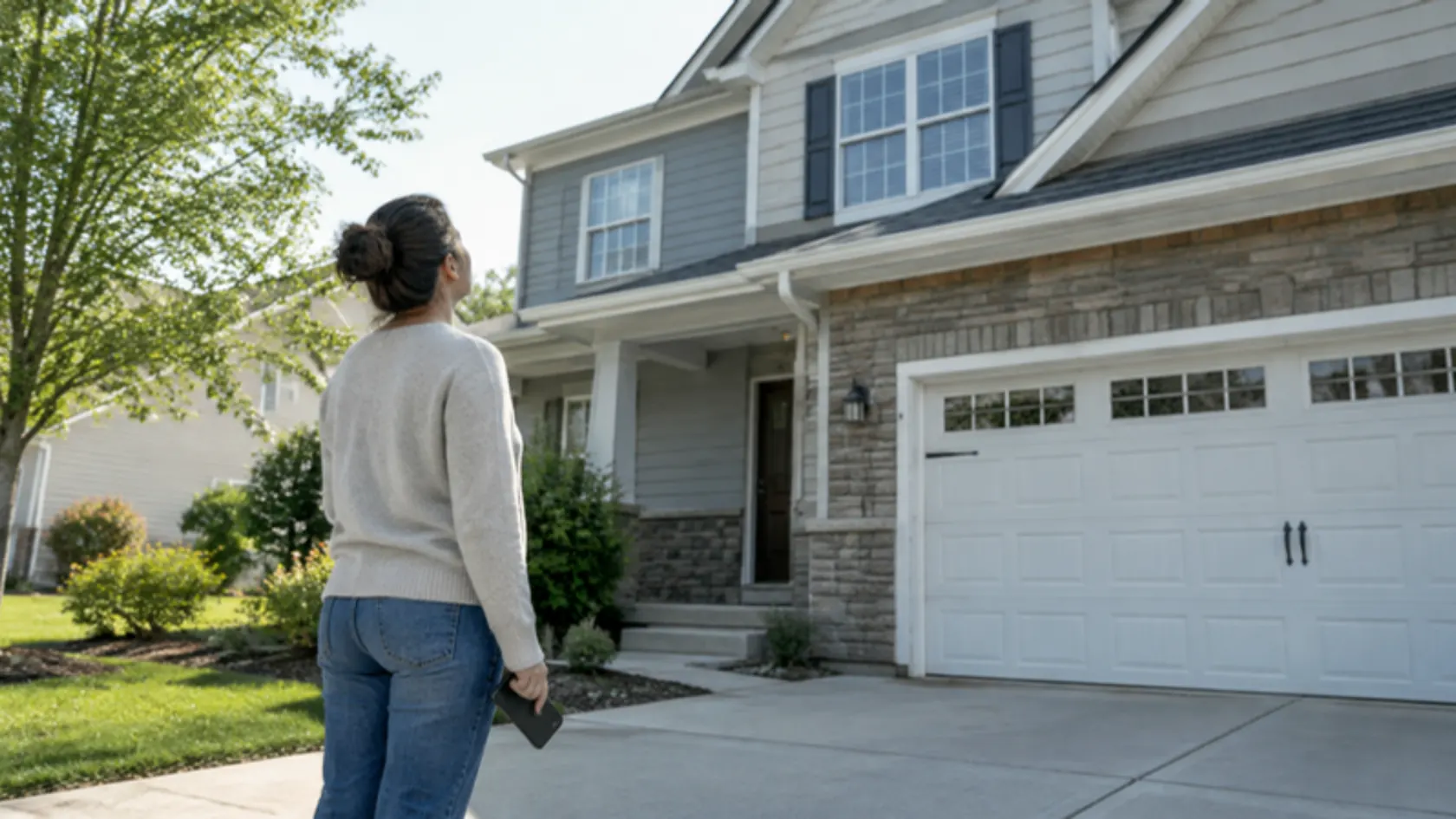
A homeowner searches for roof repair, taps your result, and lands on your roof repair page. In the next few seconds they decide whether you do the job they need, in the place they live, and whether calling you feels safe. The page either answers those three questions quickly or sends them back to the search results.
Here is a section-by-section example of a service page built for that moment, with notes on why each part is there.
Turn your service pages into booked jobs
Book a call and we will walk through one of your service pages against this layout, section by section.
Let the Buzz BeginQuick answer: what should be on a contractor service page? The first screen should say what you do, where you do it, and how to book. Below that, cover what the job includes, how your process works, proof that you have done it before, answers to the common objections, and one clear call to action. Google’s guidance is to create helpful, reliable, people-first content, so build the page for the customer reading it.
Who is a service page for?
A service page is for someone who already knows the job they need and is deciding who to hire. A blog post is usually for someone still learning about the problem. That difference shapes everything on the page: a service page leads with the offer and the next step, while a blog post leads with the explanation.
Give each core service its own page. A single “Services” page that lists everything makes the customer do the sorting, and it gives search engines one vague page instead of several clear ones.
What does a well-built service page look like?
The wireframe below uses a fictional roofing company. The structure is the example; swap in your own trade and details.
Annotated service page wireframe (fictional example: a roof repair page)
| Section | What goes there | Why it is there |
|---|---|---|
| 1. First screen | Headline naming the service and area (“Roof Repair in [your area]”), one sentence on what you fix, a clickable phone number, and a booking button | Answers “do they do this, here, and how do I reach them” before the customer scrolls |
| 2. What is included | The repairs you actually handle: shingles, flashing, leaks, storm damage, and what you do not handle | Sets expectations and filters out jobs you do not want |
| 3. Service area | One plain sentence naming the areas you serve | Tells customers if you come to them, without a block of town names |
| 4. Process | Inspection, written estimate, scheduling, repair, cleanup, final walkthrough | Lowers the risk of calling a stranger |
| 5. Proof | Real job photos, customer reviews used with permission, licenses and insurance you actually hold | Shows you have done this before |
| 6. Pricing guidance | What affects the price, and a range only if you can stand behind it | Answers the question everyone has without inventing a number |
| 7. Common questions | The questions you hear on the phone, answered plainly | Handles objections before the call |
| 8. Call to action, repeated | The same phone number and booking button | Gives the reader who scrolled to the bottom a next step |
How should you describe scope and service area?
Be specific about the work. “Roof repair” is a category; “leak repair, flashing replacement, and storm damage repair on shingle and tile roofs” is a scope. Say what you do not do as well, so the page sends you the jobs you want.
For service area, name the areas you serve in a sentence. Avoid long blocks of town names: Google’s spam policies list “blocks of text that list cities and regions that a web page is trying to rank for” as an example of keyword stuffing. Whether a particular area deserves its own page is a separate decision.
Where do proof, process, and objections go?
Put proof close to the decision, right after the scope and process. Use real photos from your own jobs and real reviews, and ask customers before you feature their names or homes. Never write testimonials yourself or reword them into claims the customer did not make; the federal consumer reviews rule prohibits fake or misrepresented reviews and testimonials.
Then answer the objections you hear most often. Common ones for contractors:
- Price: explain what drives the cost and what is included in an estimate.
- Timing: say how scheduling works and what happens in an emergency, if you offer emergency service.
- Trust: state licenses, insurance, and warranties only if they are real and current.
- Insurance claims: describe what you provide (photos, written estimates) without promising claim outcomes.

Where should the call to action go, and how do you measure it?
Put it in the first screen and again at the end, and make the phone number tappable on mobile. One clear next step works better than five competing ones.
Measure the page by what it produces, not just traffic: calls and form submissions that started on the page, and how many of those became booked jobs in your CRM. A click on a phone number is a tap, not a completed call, so compare it against your actual call log.
Related guides cover service area pages versus city pages and planning your internal links.
Service pages are part of a larger system; our guide to local SEO for contractors covers the rest. Supporting articles should link to the matching service page, which our topic clusters guide explains, and the broader planning is in our SEO content strategy guide. If you want service pages written for you, see our SEO Content Creation service.

Frequently asked questions about service page content
How is a service page different from a blog post?
A service page helps someone hire you for a specific job; a blog post answers a question for someone still learning. Each service page should be linked from the articles that relate to it.
How long should a service page be?
Long enough to answer what a customer needs to decide. Google’s helpful content guidance says it has no preferred word count, so write to the customer’s questions, not to a number.
Should I list every town I serve?
Name your areas in a sentence. Google’s spam policies treat blocks of city names as keyword stuffing.
Final thoughts on service page content
A strong service page answers three questions fast, then backs the answers with scope, process, proof, and a clear next step. Build one page per core service and keep every claim real. If you want a second set of eyes on yours, book a call with one of our hive specialists today.