
Your business runs from trucks, not a storefront. The office is a spare room, the routes cover three cities, and Google keeps asking for a street address you do not want on the map. Service area businesses have their own Google Business Profile setup, and getting it wrong puts the listing at odds with Google’s guidelines.
This guide covers the service-area setup from the ground up: what a service area business is to Google, how to configure the address and service area correctly, the optimization checklist that applies once the setup is right, and the mistakes that get these profiles suspended.
No storefront? Your profile can still win the map
Book a call and we will set up your service-area profile the right way: the areas, the categories, and the settings Google’s guidelines call for.
Let the Buzz BeginQuick answer: A Google Business Profile for service area businesses hides the street address and lists the cities or zip codes you serve instead. Set the profile type correctly, keep the service area honest, and the rest of the optimization checklist, categories, services, photos, posts, and reviews, works the same as it does for a storefront.
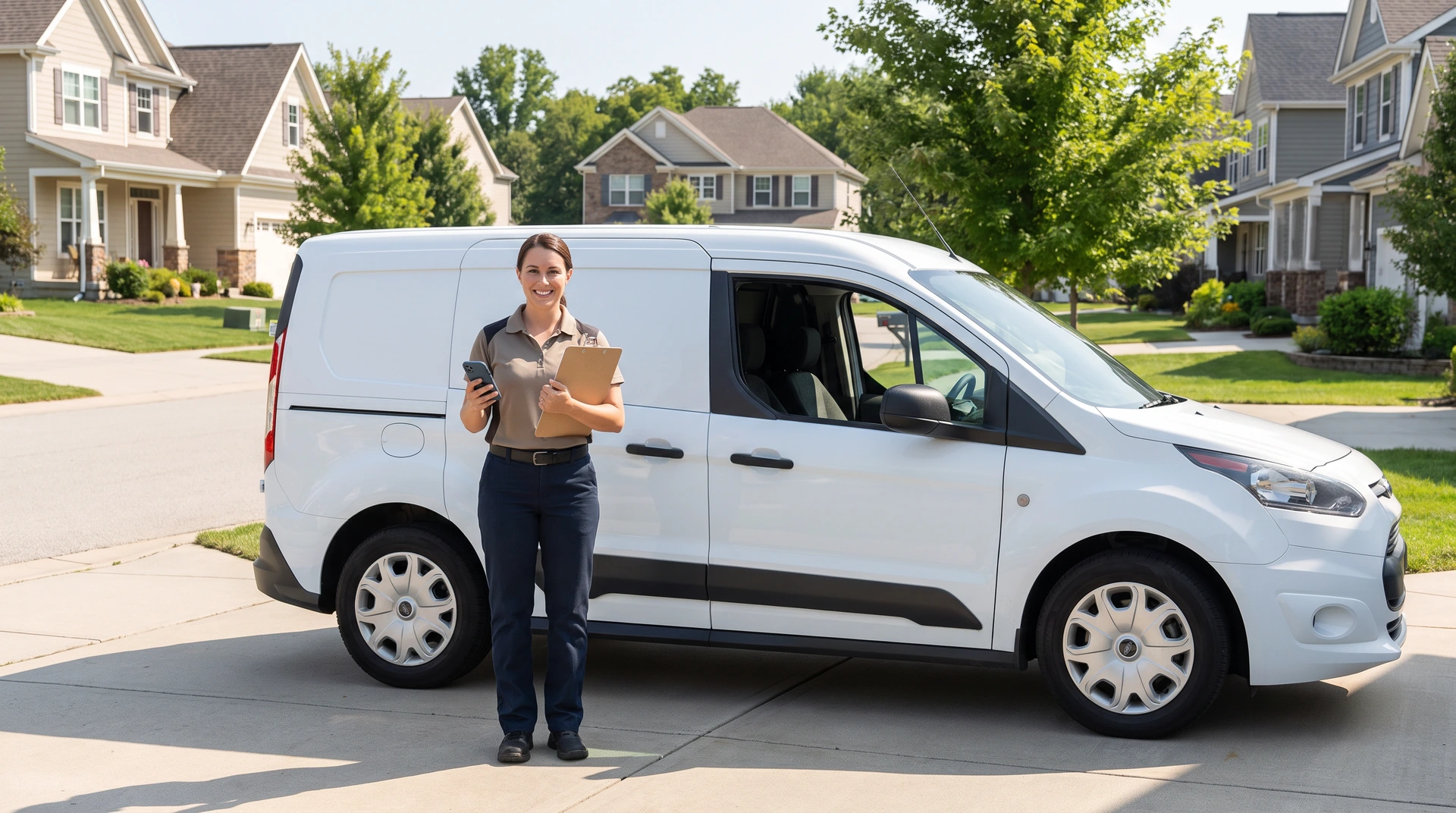
What counts as a service area business on Google?
A service area business (SAB) serves customers at their location instead of yours: plumbers, pool and pest routes, lawn care, mobile detailing, cleaners, and every trade run from a home office. Google’s rule for these profiles is simple and strict: hide the street address from public display and list the areas you serve instead. A hybrid business with a real storefront that also travels can show the address and set a service area together.
Getting that one setting wrong, a home address on the map or a storefront setup for a truck-based business, puts the profile at odds with Google’s guidelines. Set it right once and the rest of this guide works exactly as it would for any profile.
Google’s own local ranking guidance says businesses with complete and accurate information are more likely to show up in local search results. The profile is the front door of local visibility, which is why it gets compared to the website so often.
The Google Business Profile (GBP) vs your website: which matters more?
It is the wrong question. The two hold different jobs in one system. The profile wins the glance: name, stars, and phone number in the map results, on Google’s property, under Google’s rules, which also means Google can change, filter, or suspend it on Google’s schedule. The website wins the customer: it is the asset you own, it answers the questions a careful buyer asks before calling, and its pages can appear in regular search results outside the map.
They also support each other: a customer who taps from the profile to the site should find the same facts and more detail. Optimize the profile with this checklist; keep the website the source of truth it points to. For a signal-by-signal deep dive on each profile section, our Google Business Profile optimization checklist pairs with this setup guide. How the whole local system fits together is in our complete guide to local SEO for service businesses.

How do you optimize a service-area profile?
Work the sections in this order:
- Business name. Your real-world name, nothing added. The temptation to append keywords or city names is covered in the next section, because it breaks Google’s name rules.
- Categories. One precise primary category that describes what your business is, plus additional categories only for genuine parts of the business. Google asks for as few categories as possible, so individual services go in your services list, where available, and on your website.
- Services. List every service you offer with a plain one-or-two-sentence description in the words customers use, not trade jargon.
- Address and service area. Hide the street address (Google’s guidelines say service-area businesses should hide it, and a home address on the map invites privacy problems), then list the cities or zip codes you genuinely serve. Google says the overall area generally should not extend farther than about two hours of driving from where you are based; honest beats expansive, and your website can describe the wider area you serve.
- Hours. Real hours, with holiday hours set in advance. A listing marked open when you are closed sends customers to a locked door.
- Photos. Real jobs, real team, real trucks, added on a steady drip rather than one upload binge. No stock photography; real photos show customers your actual work.
- Posts. One per week is plenty: a finished job, a seasonal reminder, an offer. The habit shows customers you are active.
- Reviews. Ask every customer the same way, and respond to every review. The asking system has its own guide: how to ask for Google reviews.
- Booking and links. Point the website field at your homepage or the matching service page, and connect your booking link so the glance can become an appointment without a phone call.
Then the maintenance rule: 20 minutes a week to keep it current.
Once the profile is set, audit your other business listings so they match it.
What gets profiles filtered or suspended?
Three habits, all tempting, all costly:
- Stuffing the business name. “Smith Plumbing” becomes “Smith Plumbing | Water Heater Repair Cape Coral.” Google’s representation guidelines require the name to match your real-world name, and edits like this can lead to suspension of the whole listing.
- Fake or borrowed addresses. Google’s guidelines do not allow virtual offices unless they are staffed during your business hours, or addresses where you do not operate, and listings that break the rules can be reported and suspended.
- Review gating. Filtering customers so only happy ones get the review link violates Google’s review policy.
The pattern across all three: the profile is rented space on Google’s property, and the rent is accuracy. Play the long game on the asset you do not own.

How does your profile feed AI answers?
You cannot tell an AI assistant what to say about your business, but you can keep the information you publish, including your profile, complete and current, so there is less outdated material about you online. In the 2026 Squarespace survey of 1,041 small business owners, 40 percent of those who checked found incorrect information about their business in AI search results.
The practical takeaway is already on the checklist: keep the profile current and keep it matching the website. That is the part of AI visibility you control locally.
Our Local Visibility service manages your profile and includes a monthly report on visibility, reviews, and calls.
Frequently asked questions about Google Business Profile for service area businesses
Can I use my home address on my profile?
Use it for verification, then hide it from public display. Service area businesses are expected to clear the address field; a residential address on the map invites unwanted visitors and goes against Google’s guidance for service-area businesses.
Should I add keywords or my city to my business name?
No. Google’s guidelines do not allow it, and it can lead to suspension of the whole listing. Describe your work in your services list and on your website pages instead.
Do Google Business Profile posts help rankings?
Google’s local ranking guidance does not list posts as a factor. Treat them as a way to show the person deciding whom to call that you are active.
How big should my service area be?
As big as you genuinely serve, and no bigger. Google says the overall area generally should not extend beyond about two hours of driving, distance is one of its local ranking factors, and your website is the place to describe the wider area you serve, not an inflated radius.
Final thoughts on Google Business Profile for service area businesses
The profile is free, and Google shows it in local results: a finished, active listing that matches your website puts you in front of customers when they search. Work the checklist once, hold the 20-minute weekly habit, and let the website behind it close what the profile opens. You handle the finished jobs. Book a call with one of our hive specialists today and we will walk your service-area profile section by section against this checklist.